
Product Design · Design Systems · Mobile App Development
A mature lead-capture product, trusted by thousands of college fairs.
CONNECTION
is the product.
StriveScan captures student leads at college fairs, in buildings where the network often fails. Feature growth had flattened the screens and pushed the rules governing access, state, and sync outside the interface. We rebuilt six screens to run on one set of rules.
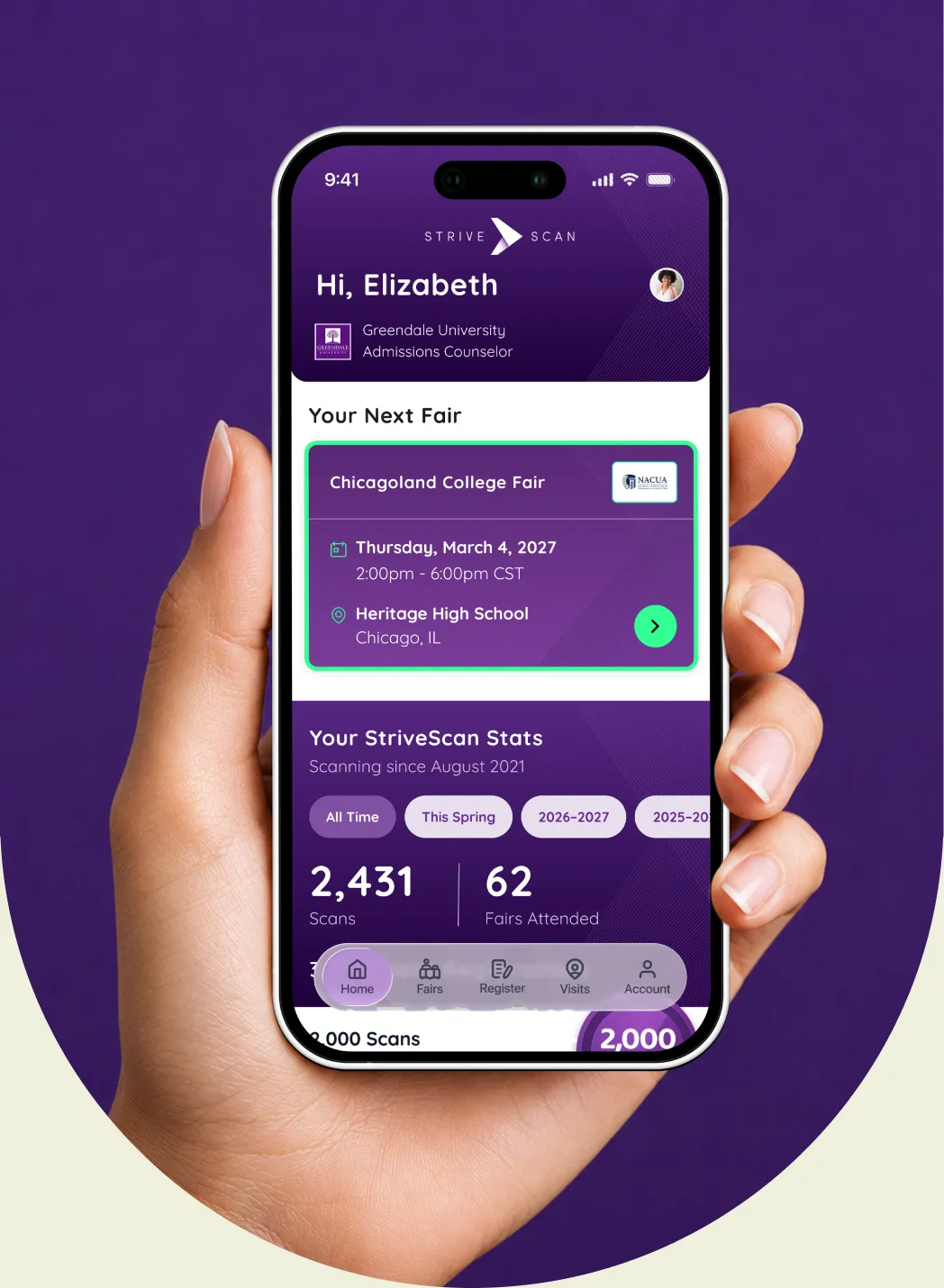


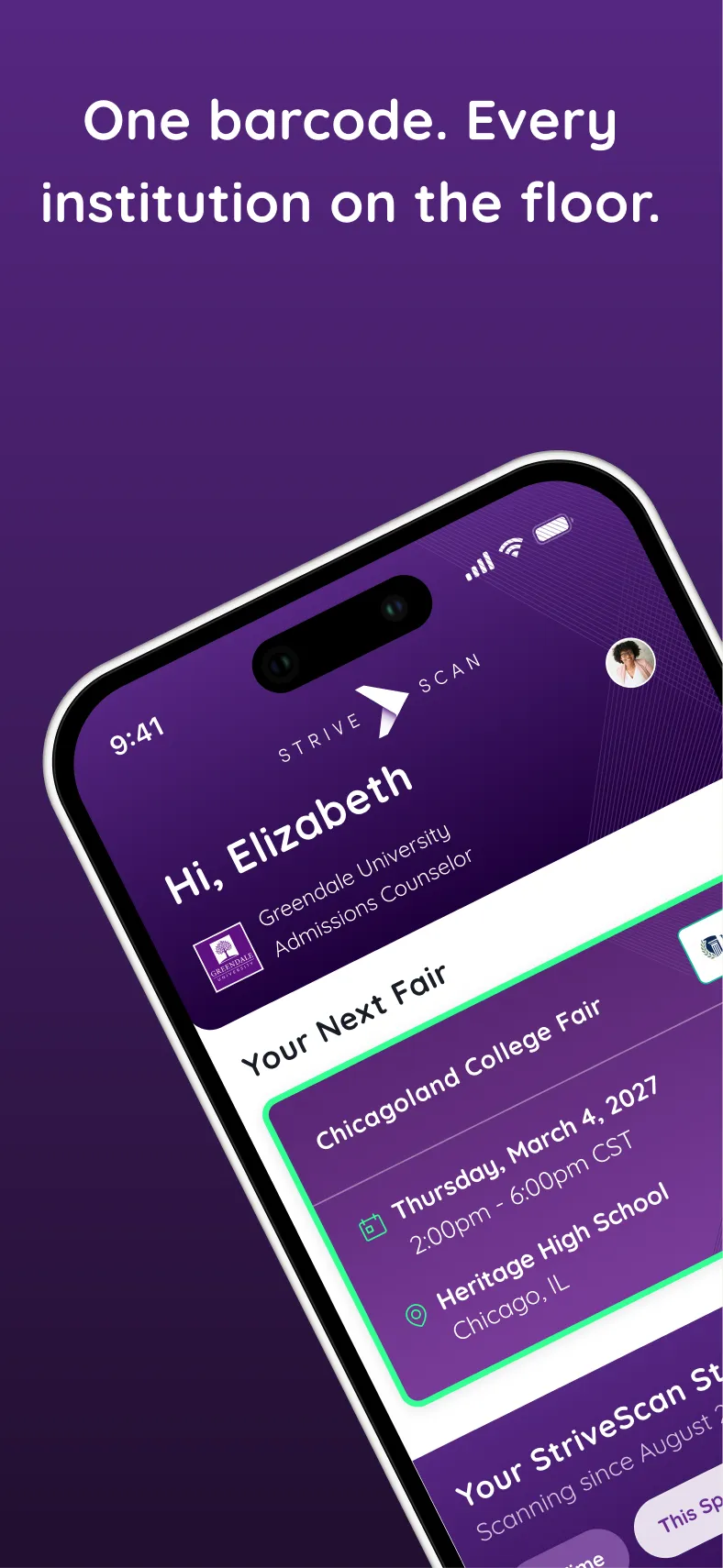
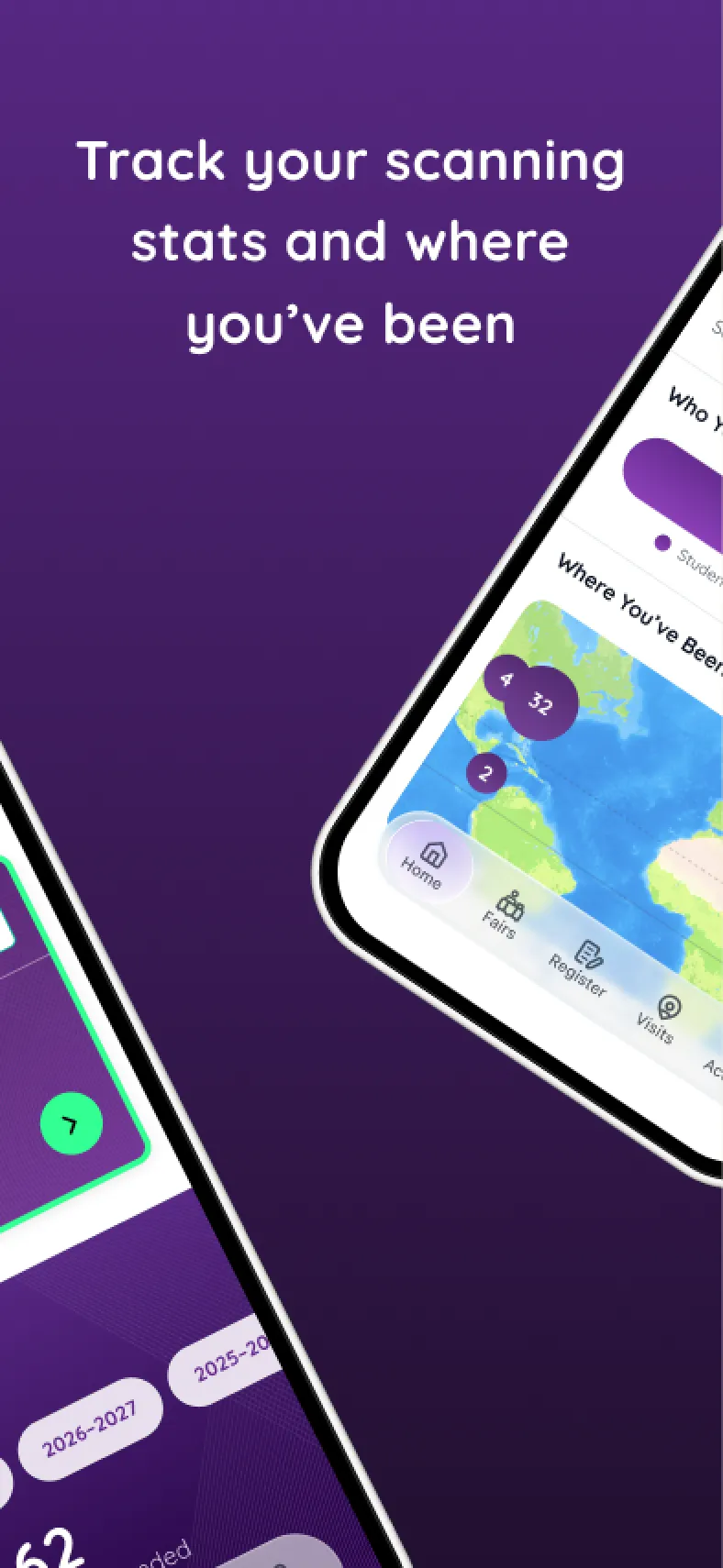
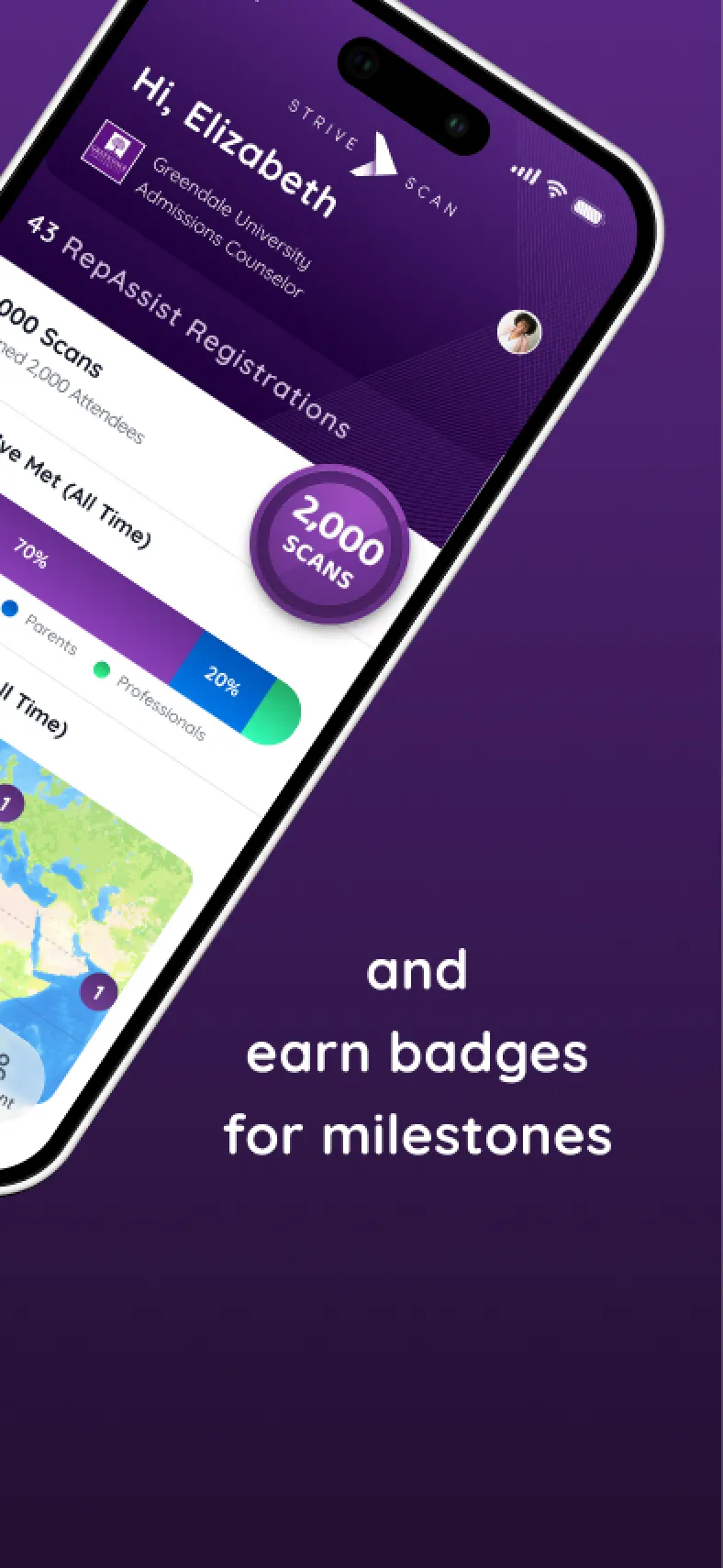

The result is a dynamic mobile interface governed by a shared product grammar.
Creating a Shared Product Grammar
Say it consistently.
INCONSISTENT BY ACCIDENT
Years of feature growth left the app's main sections using different patterns for the same actions and states. The product worked, but every section made users relearn how it behaved.
ONE GRAMMAR, MANY WORKFLOWS
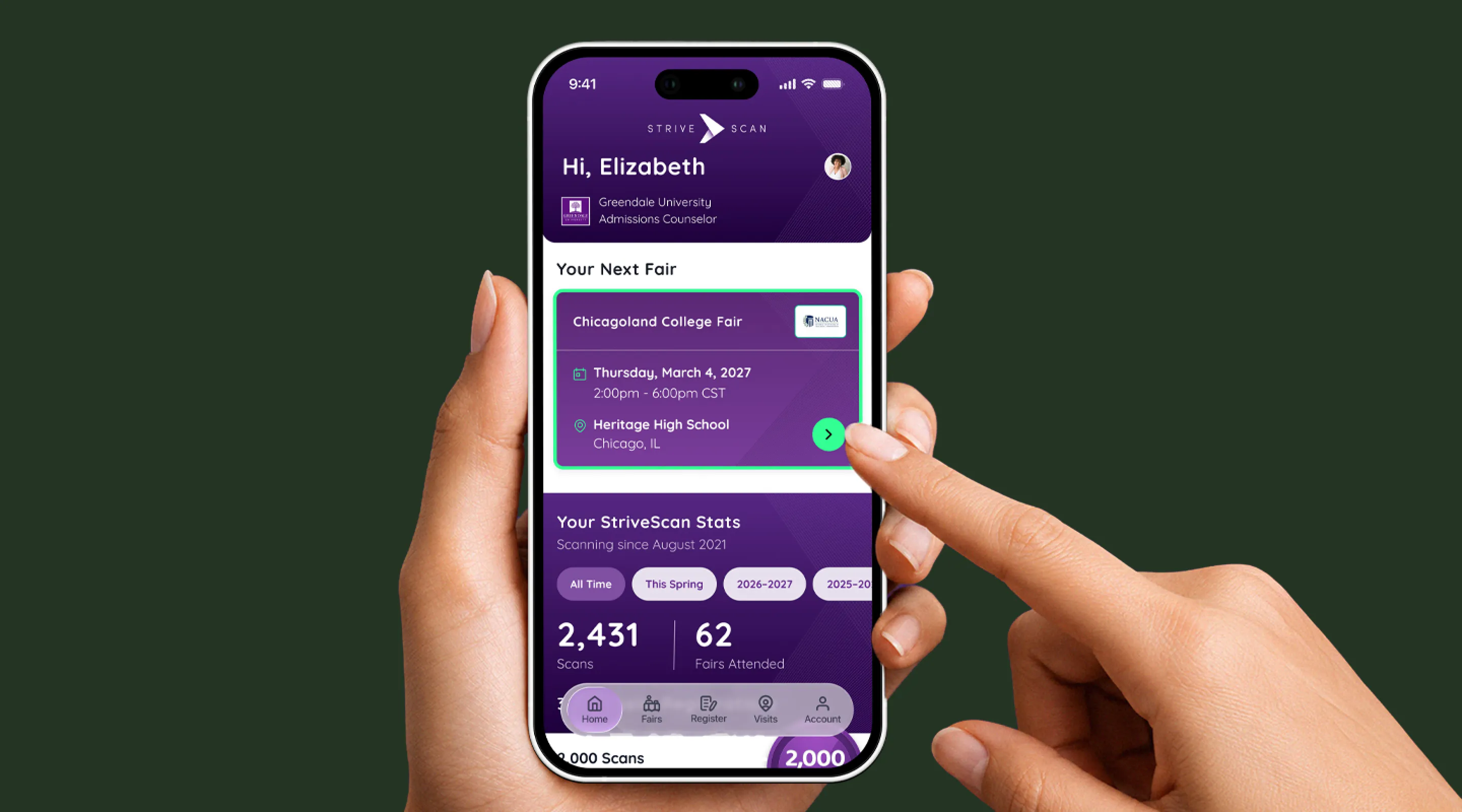
We set shared patterns for navigation, cards, filters, status, actions, empty states, and supporting information. Each workflow keeps its own behavior while running on the same grammar.
State as a System
Account for every combination.
SIMILAR ON THE SURFACE
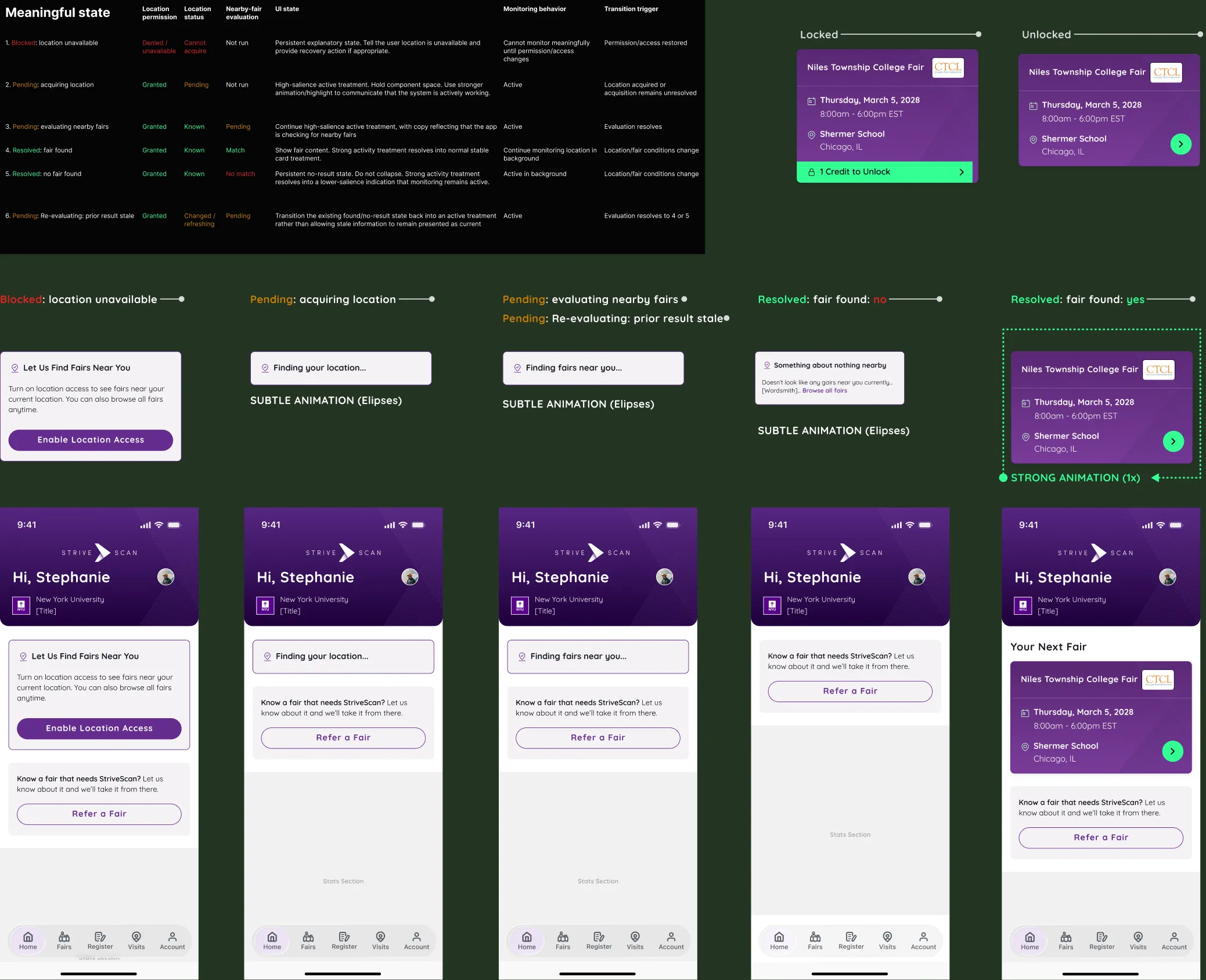
The home screen has to distinguish between several similar-looking conditions: location access may be unavailable, still resolving, or active; a nearby fair may be found or not; an identified fair may still be locked. Those states have to stay legible without making the interface feel unstable while location monitoring runs in the background.
DEFINED TRANSITIONS
We defined the states that matter and the transitions between them, from blocked and pending through resolved. Each state specifies what the home screen shows, whether monitoring continues, and what triggers the next transition. When a fair is found, the home screen resolves to that fair's card and reflects its current access state.
An Adaptive Home Screen
Evolve with the user.
NO SINGLE USER
The home screen has to work for a first-time rep with no activity and a veteran with years of fairs and thousands of scans. A fixed dashboard would be empty for one or useless for the other.
MODULAR BY DESIGN
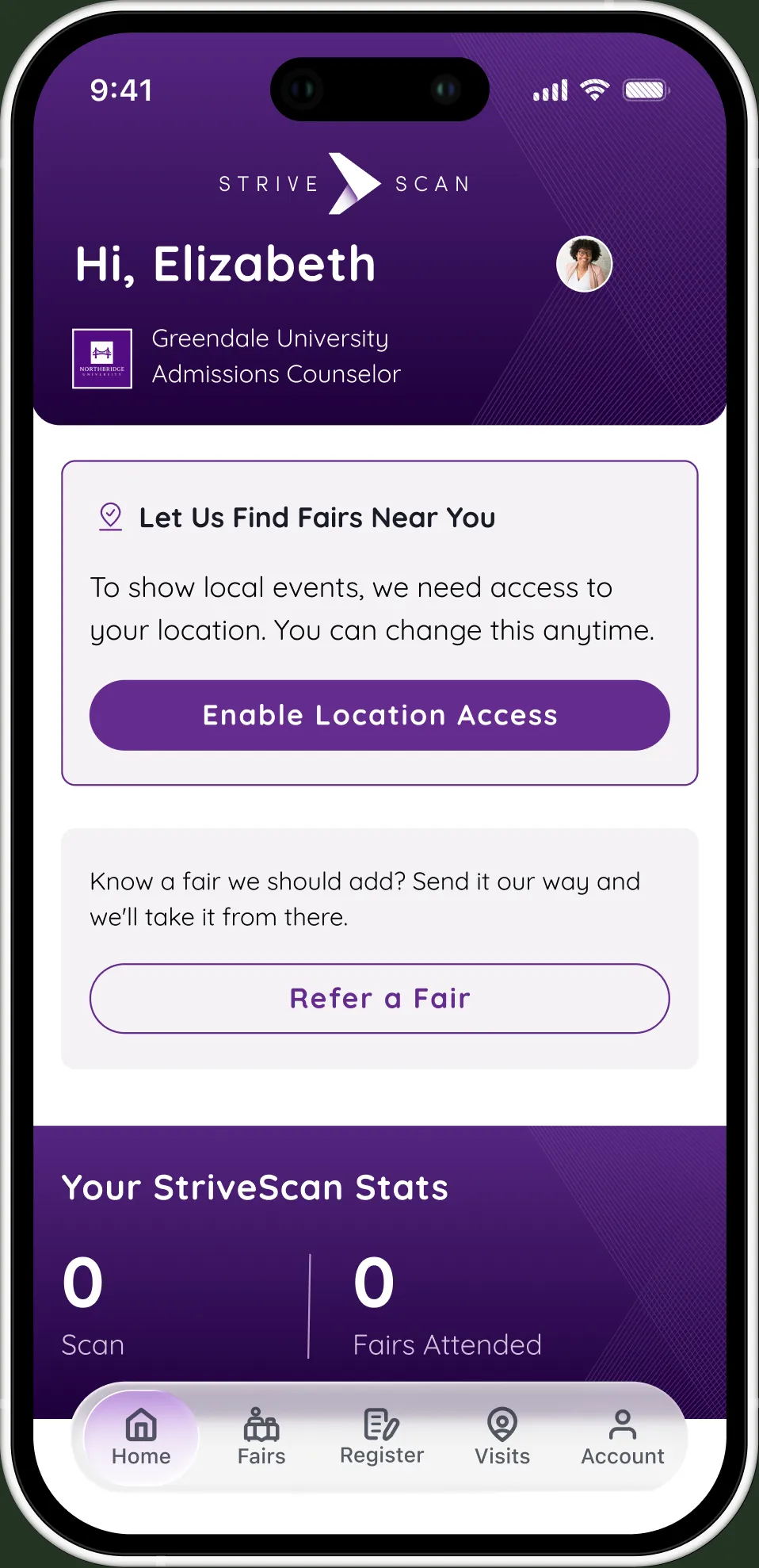
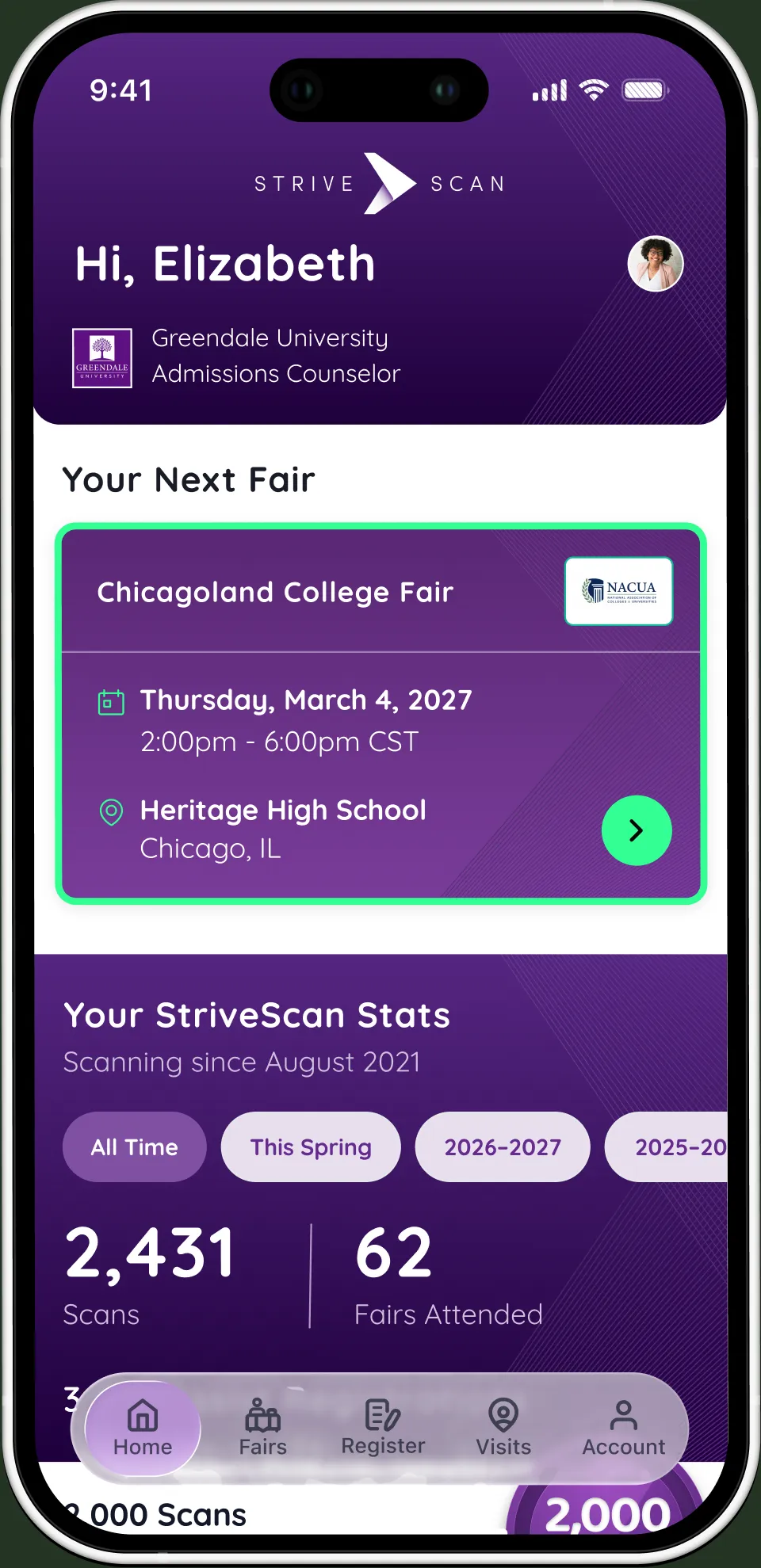
We built the home screen as conditional modules driven by product state and activity. Location, fair access, nearby events, scans, registrations, travel, and milestones determine what appears and which action takes priority.
State determines priority
The home screen renders differently for each rep depending on location access, unlocked fairs, nearby events, and prior activity. Instead of filling empty space with generic content, it promotes the next useful action and introduces history only as the rep generates it.
Dynamic, not decorative
Every number on the home screen is real and filterable — all time, this season, by year — so a rep can see a single fair's haul or a career's worth in the same glance.
Designed to Extend
Keep building.
ONE MODEL, NOT MANY
The redesign put one interaction model across the major mobile workflows, instead of a collection of isolated screen updates.
BUILT FOR INHERITANCE
New features inherit the established patterns for state, access, navigation, and feedback instead of introducing another interaction model.